
A CMS for a small server. No JavaScript, nothing from third parties, any number of websites in one program.
No JavaScript
Neither the websites nor the admin need it.
Nothing from elsewhere
No CDNs, no web fonts, no tracking, so no cookie banner.
AI over MCP
Claude or ChatGPT maintain content, with around 140 tools.
One program
One Go binary, one SQLite file, any number of websites.
Beta 0.1.0: holzcloud-CMS can be run for real as long as you keep backups, but its feature set is not frozen. Features, settings and the template contract can change or go away with any release, and the schema and migrations are not promised stable. Back up before updating and read the release notes.
holzcloud-CMS is one Go program and one SQLite file. It needs no PHP, no database server and no Node. One installation carries any number of websites, each with several domains, its own design and its own editors.
No JavaScript, nothing from elsewhere
- The websites ship no JavaScript. Uploaded themes neither: an archive with a script,
onclickor ajavascript:link is rejected. - The admin works without JavaScript too. Every action is an ordinary form. htmx only makes it faster.
- Nothing is loaded from third parties at runtime. Fonts are compiled in, every response carries the Content-Security-Policy
default-src 'self'. Outgoing connections exist only where you set them up yourself: your own mail server and, in the shop, Payrexx.
Such a website is fast on any phone, keeps working when somebody else's service goes down, and needs no cookie banner.
AI over MCP
At /ai, holzcloud-CMS speaks the Model Context Protocol. Claude, ChatGPT or an editor can write pages, upload images, arrange menus and translate without logging into the web interface. In Claude or ChatGPT you only enter the address and agree once (OAuth). Keys come in three levels (read, content, admin) and can be limited to single websites and a lifetime. New pages are always drafts, and every change is kept as a version. The server never calls an AI itself. More in the AI access docs. This website is maintained that way.
Version 0.1.0 — release on GitHub. Runs in the cluster and carries three sites: this one and two client sites, one installation, different domains.
Features
Pages from blocks
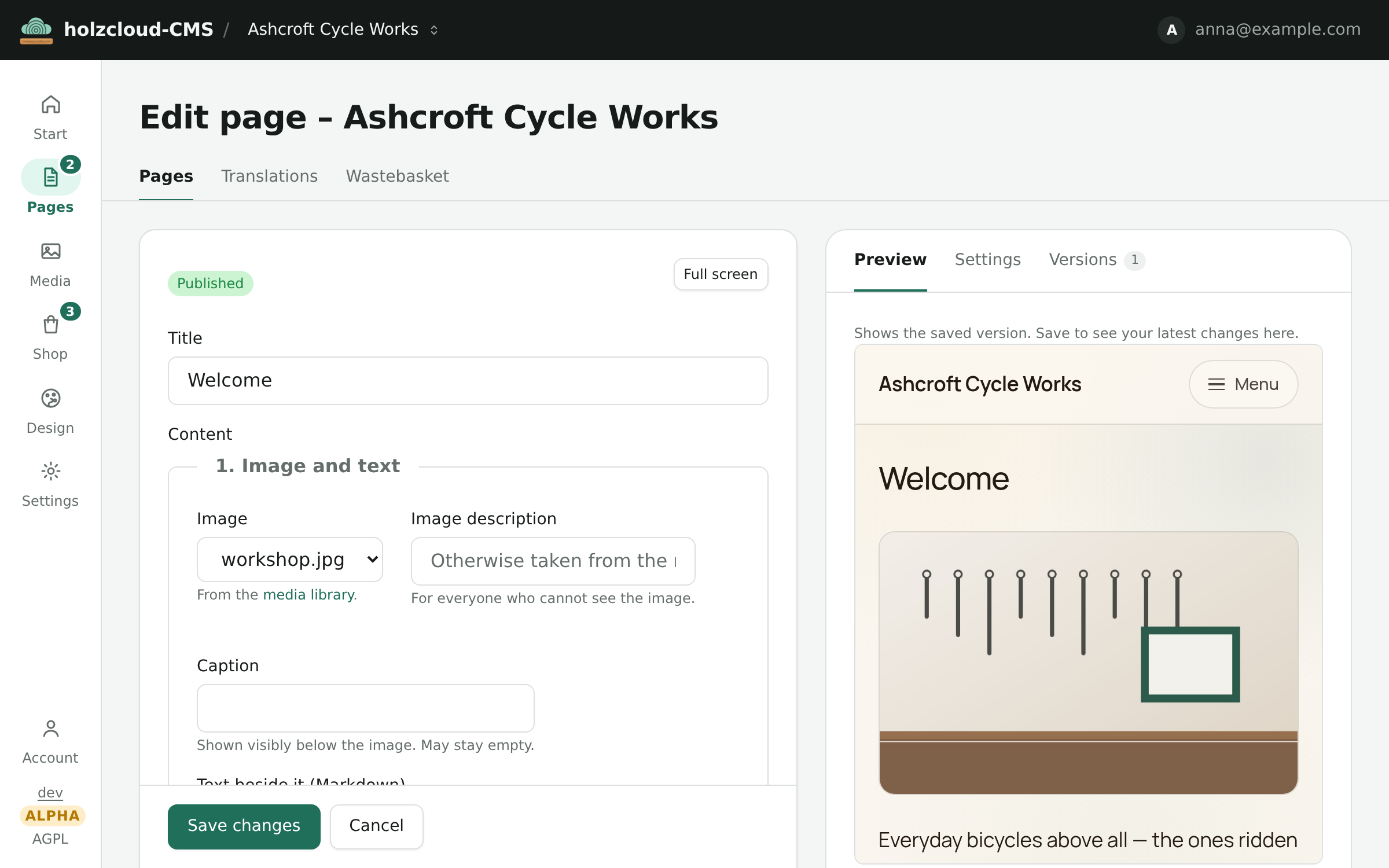
Text, image, gallery, cards, quote or call to action are stacked and moved around, with the preview in the real design beside them. Custom block types can be created per website.
Eight themes, adjustable
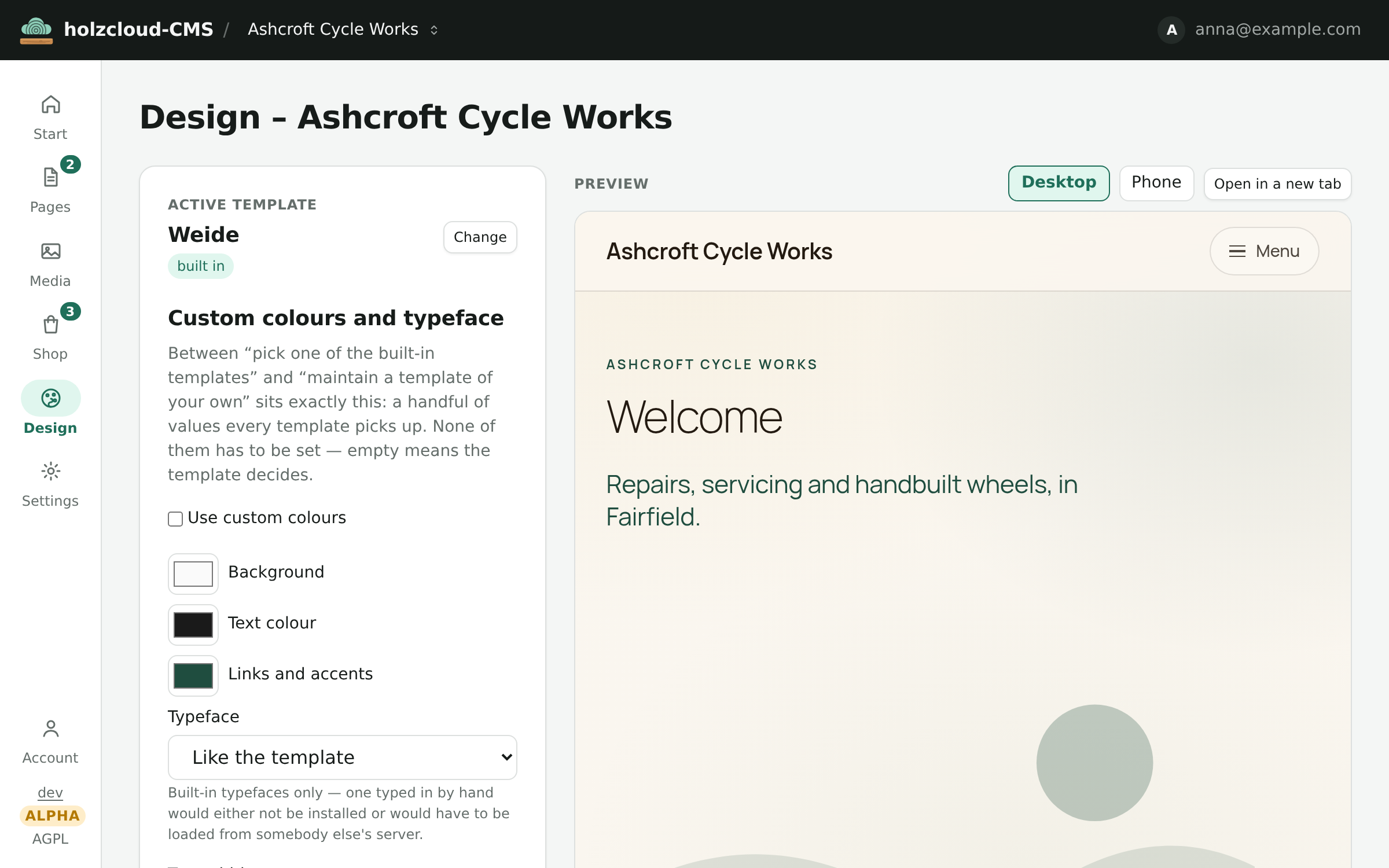
Background, text colour, accent, font and corner radius are set per website. Contrast is checked against WCAG straight away.
Multilingual
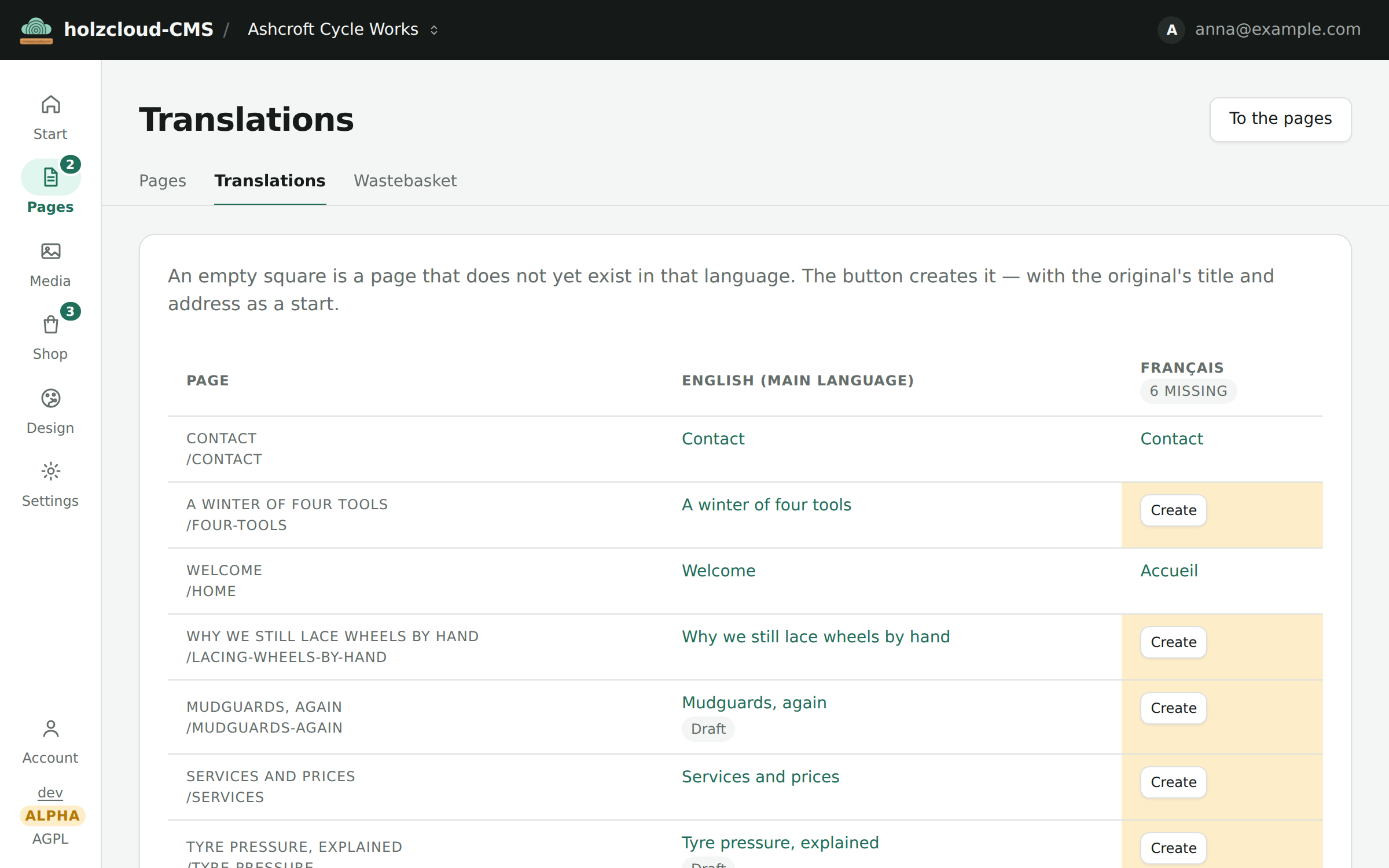
Up to eight more languages per website, with hreflang and a language switcher. A matrix shows which page is missing in which language, and one click creates the version.
Shop with Swiss VAT
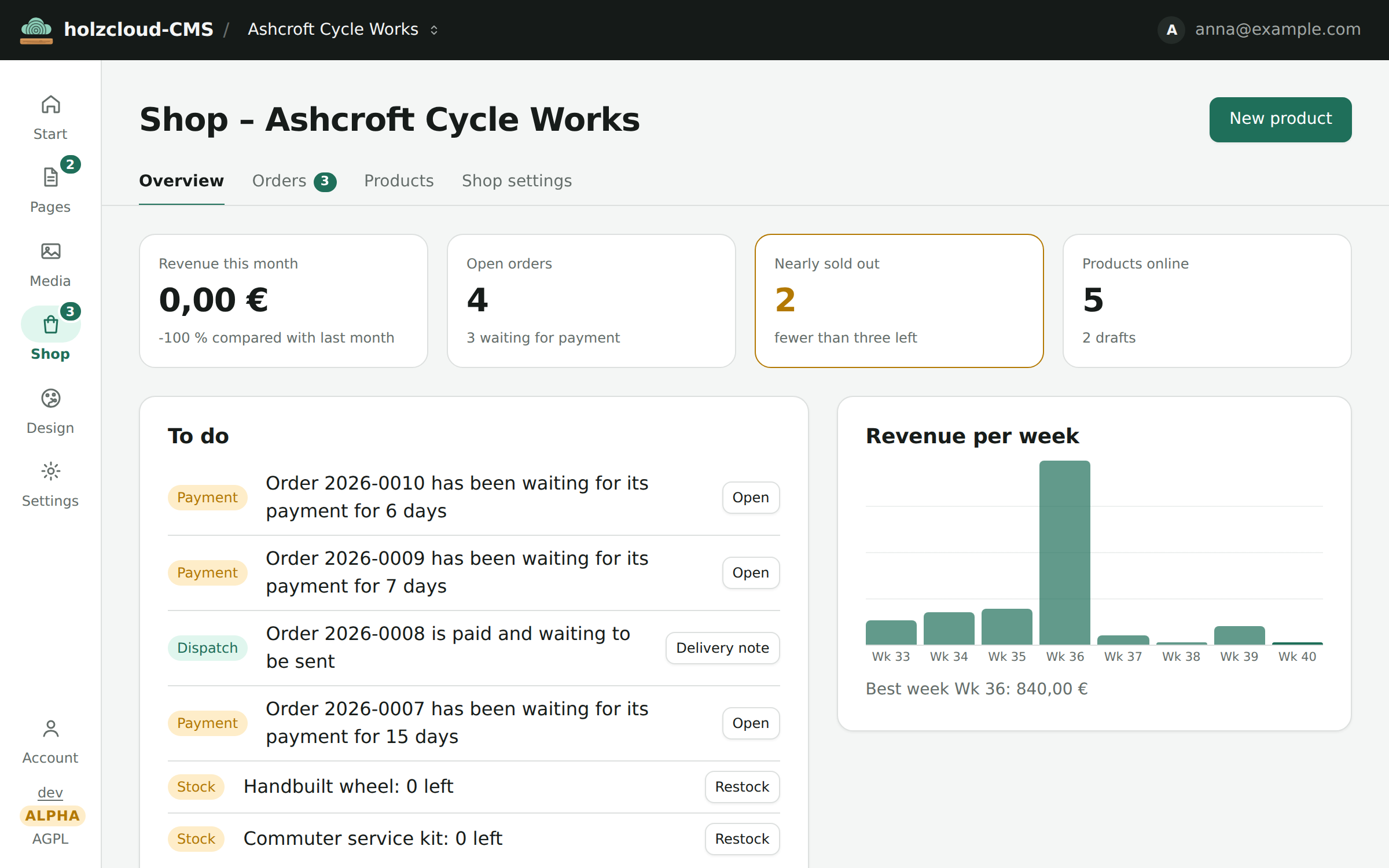
Products, stock and orders, plus invoice and delivery note. Prices in CHF with 8.1, 2.6 and 3.8 %. Payment by invoice, prepayment or online with TWINT, PostFinance or card via Payrexx. Cart and checkout are ordinary forms.
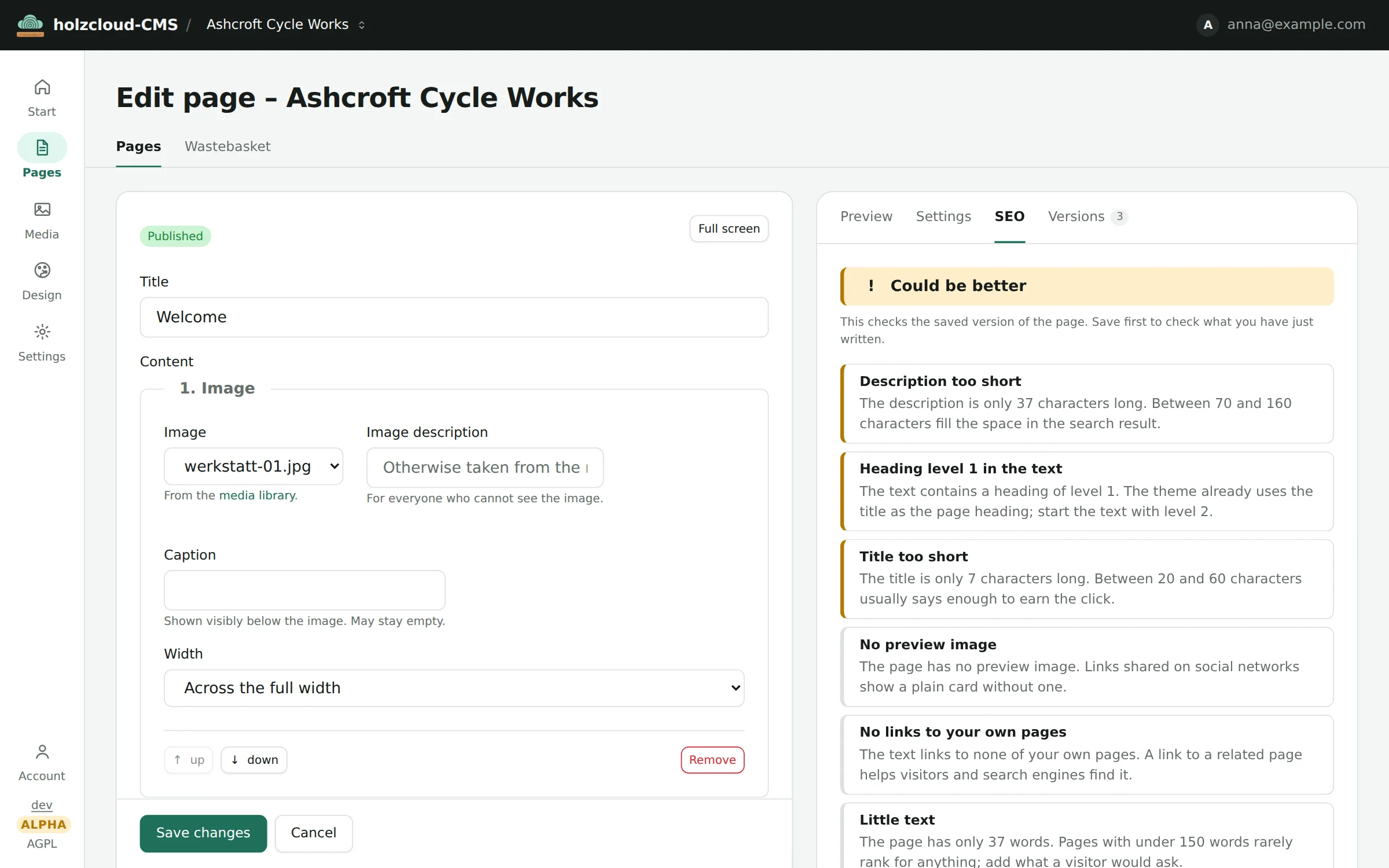
SEO check in the editor
The “SEO” tab says what is missing on the saved page: a description that is too short, a second H1, images without a description. Nothing is blocked. There is also a report for the whole website, a sitemap with images and /llms.txt.
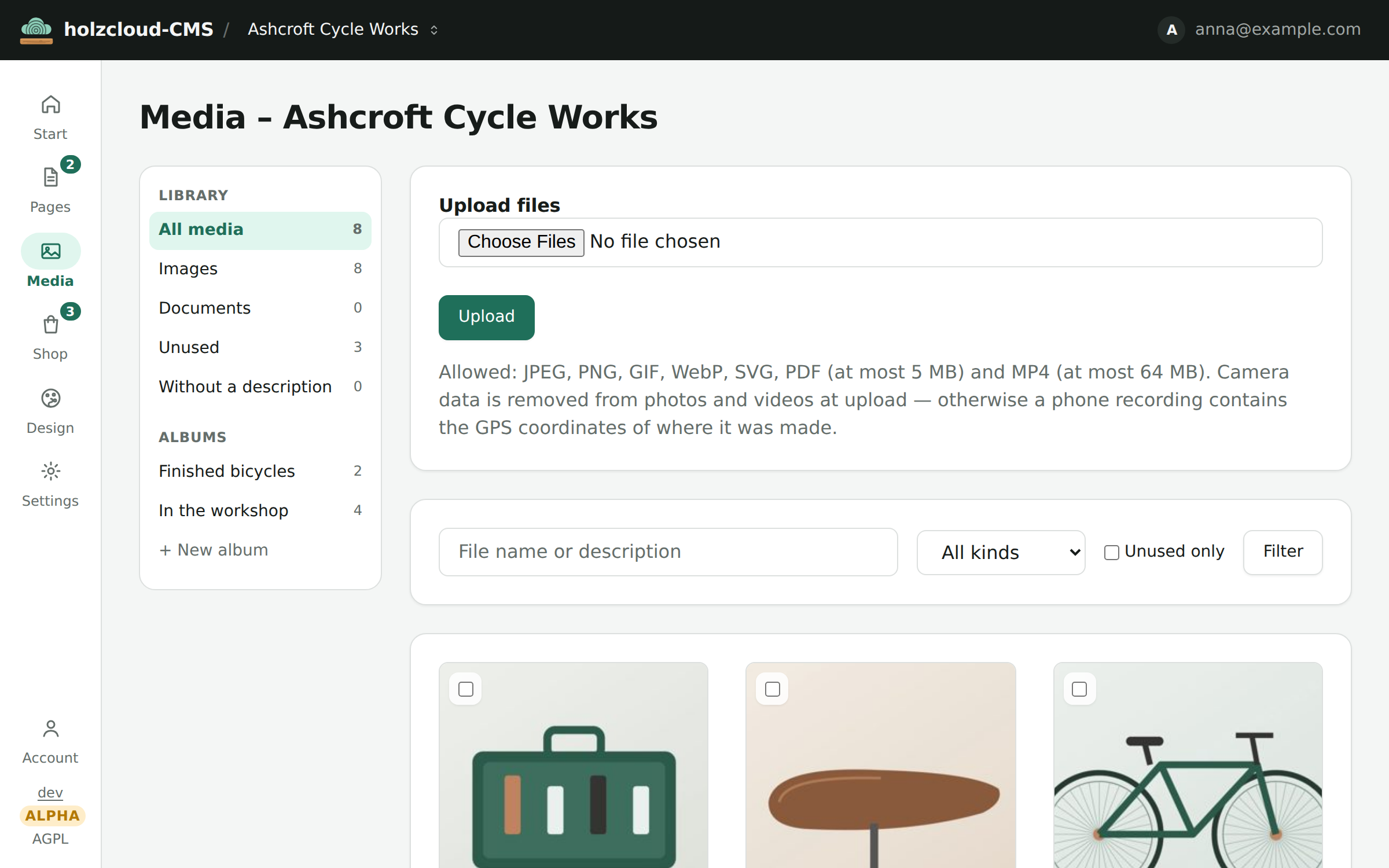
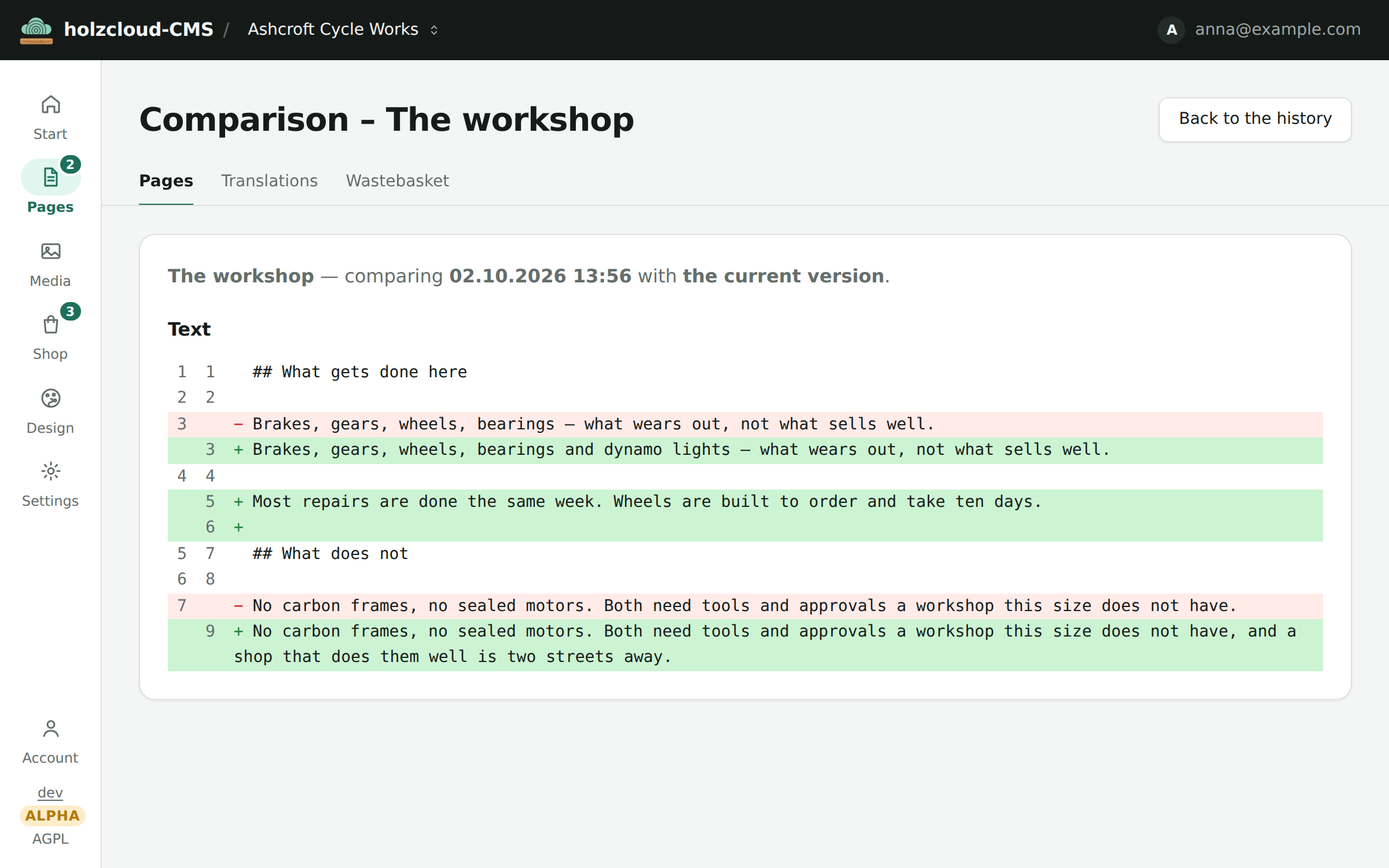
Also: a media library with albums (camera and GPS data are stripped on upload), versions with diff and restore, custom content types with 16 field kinds, forms with spam quarantine and no IP storage, mandatory two-factor for administrators, plugins as WebAssembly in a sandbox, export as a readable archive or static HTML, import from WordPress and CSV. The admin works down to a phone (390 px).
Installation
Download holzcloud-linux-amd64 from the latest release, compare it with the .sha256 file, make it executable and start it. Then open /admin: on the first visit you create the administrator account, then the second factor. A container is available as ghcr.io/holzcloud/holzcloud-cms; to build it yourself, Go 1.26 is enough. Systemd unit, Caddyfile and backup script are in the operations guide.
Who else runs on it
Two more sites run on the same installation, with their own domains, design and content types.
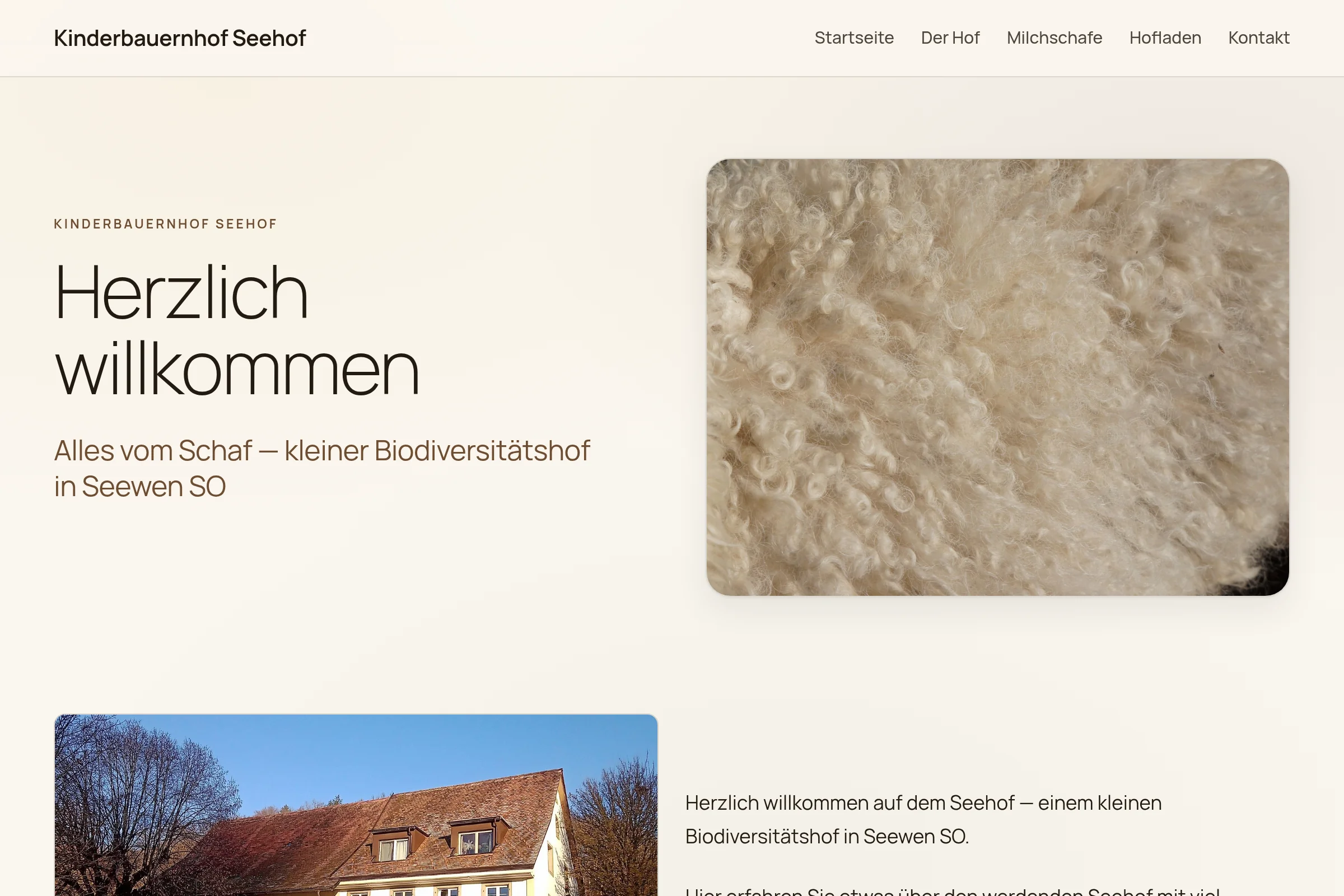
Kinder und Bauernhof – Seehof
A small biodiversity farm in Seewen SO: East Frisian dairy sheep, woolly pigs, hens and goats. The farm shop works with enquiries instead of prices.
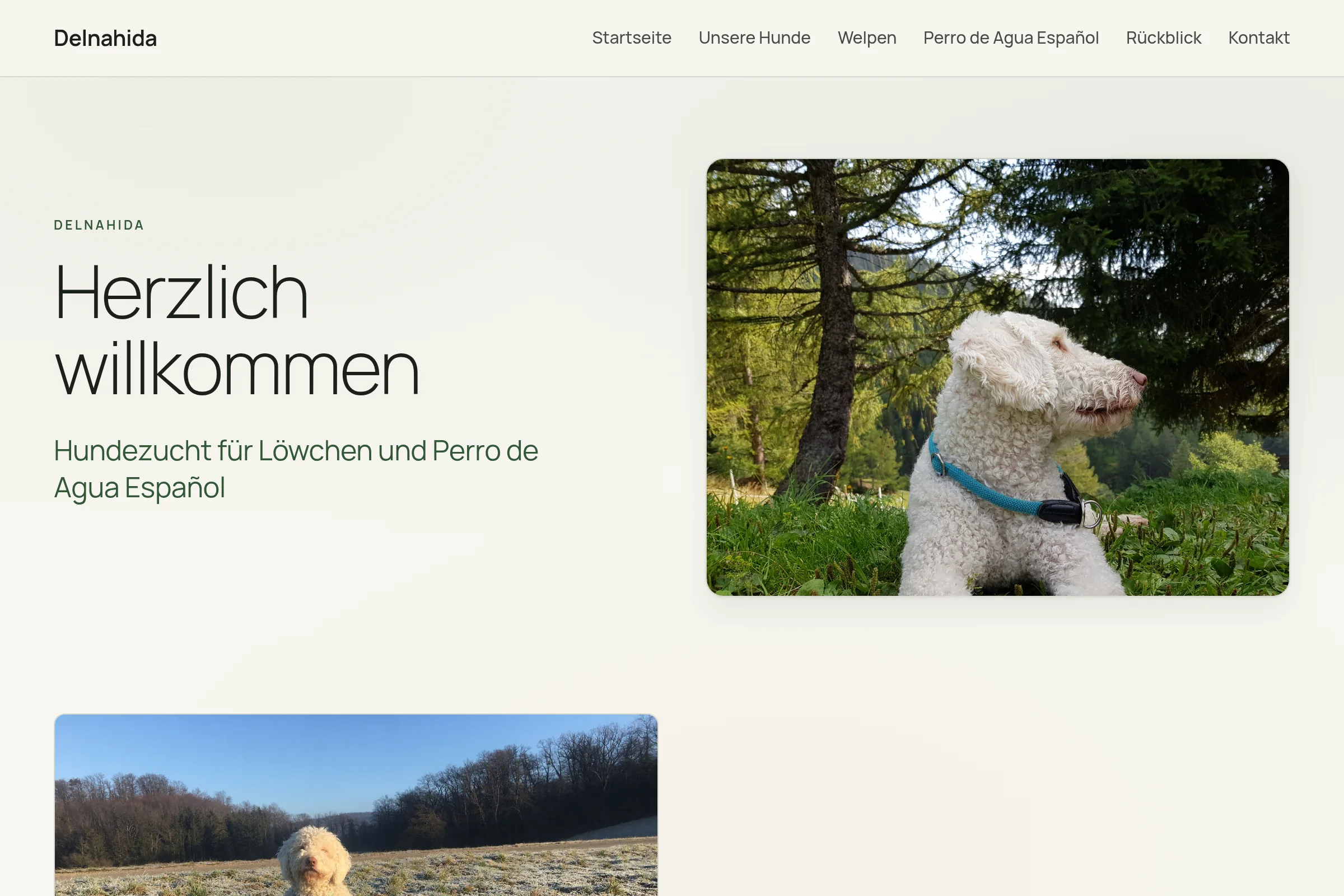
Delnahida
Dog breeder for Löwchen and Perro de Agua Español. Twenty pages, eighty-five pictures, from the same binary.
More projects
holzkube-manager, the manager for Talos Kubernetes clusters, holzBar, the menu bar manager for macOS, and holzWave, the terminal written in Rust. Back to the home page.